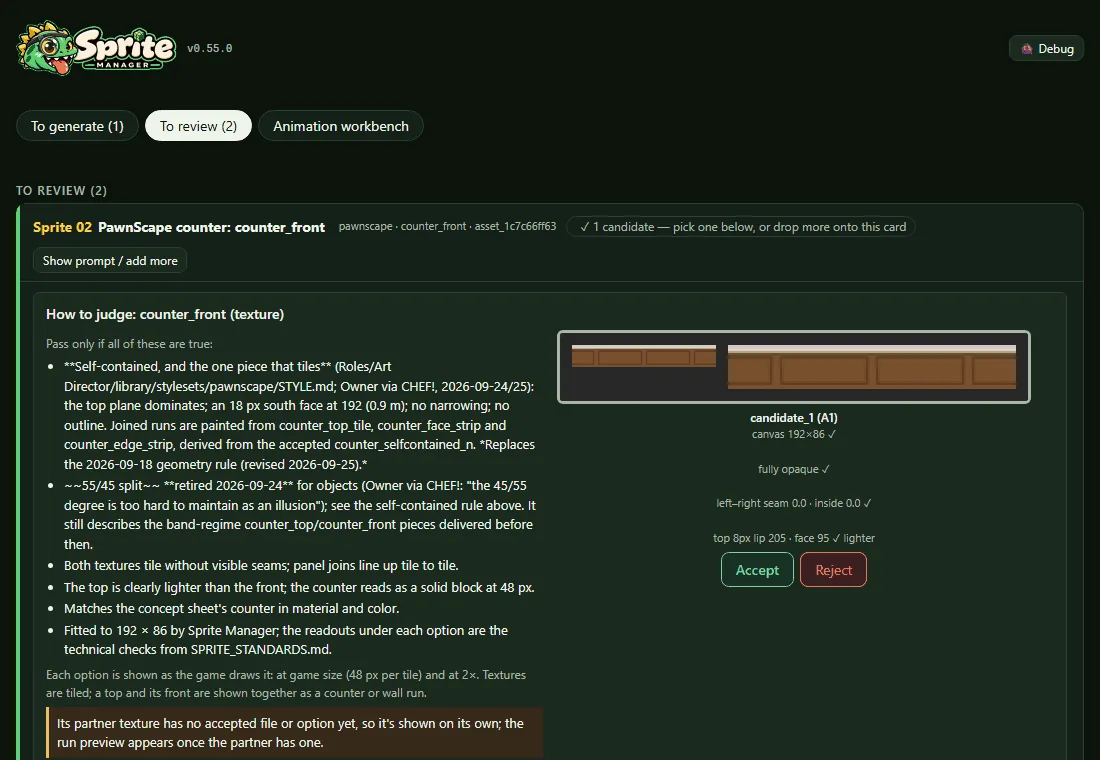
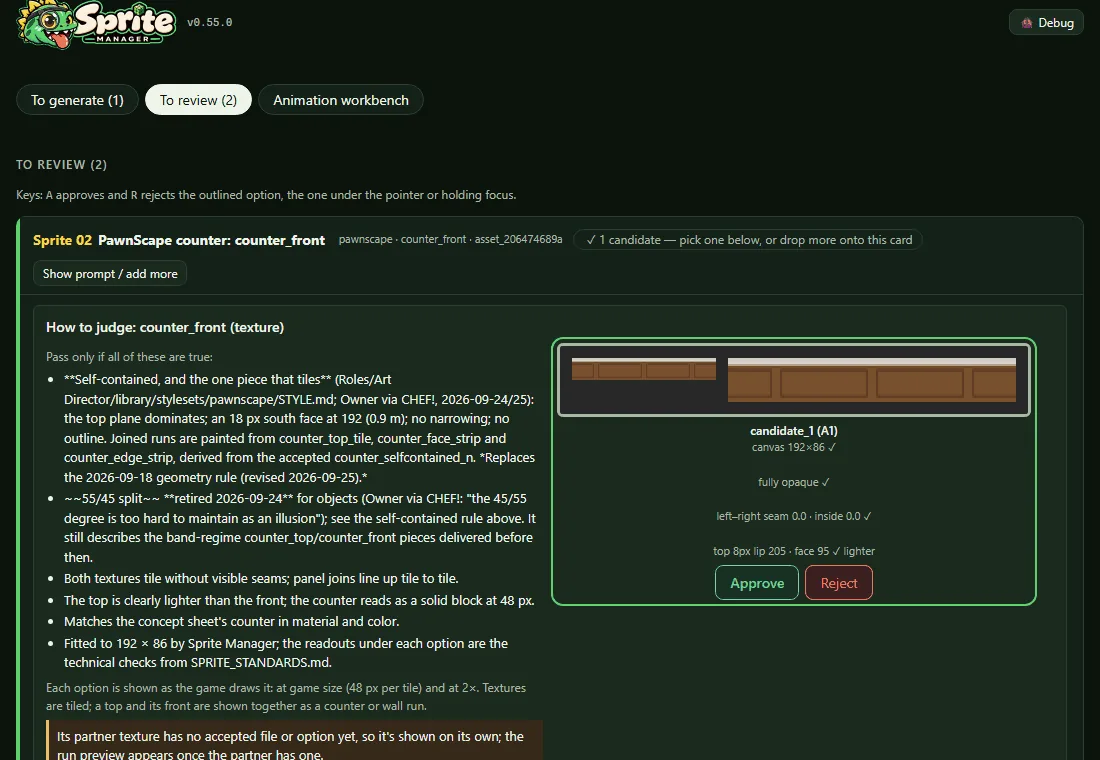
Every review option's buttons now say Approve and Reject, the studio's words for these decisions. Accept had been a third word for the same action. The messages around them follow ("Couldn't approve it", "approve again").
A approves and R rejects from the keyboard. The keys act on the option under the pointer, or the one holding keyboard focus, and that option is outlined so a key never lands on something out of sight. Each key presses that option's own button, so R still asks for the reason, and both keys do nothing while a dialog is open or while typing in a field.

 Sprite Manager