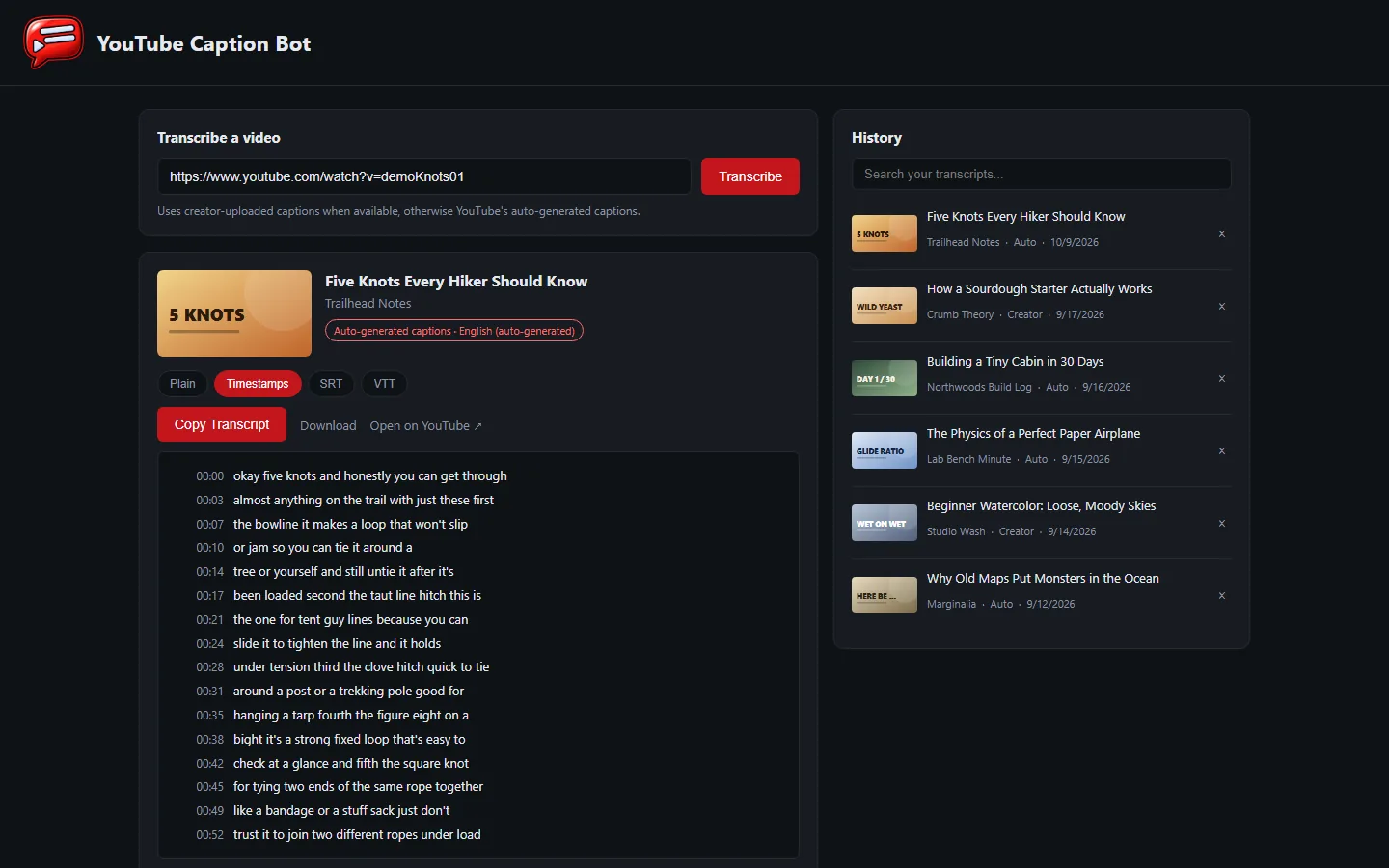
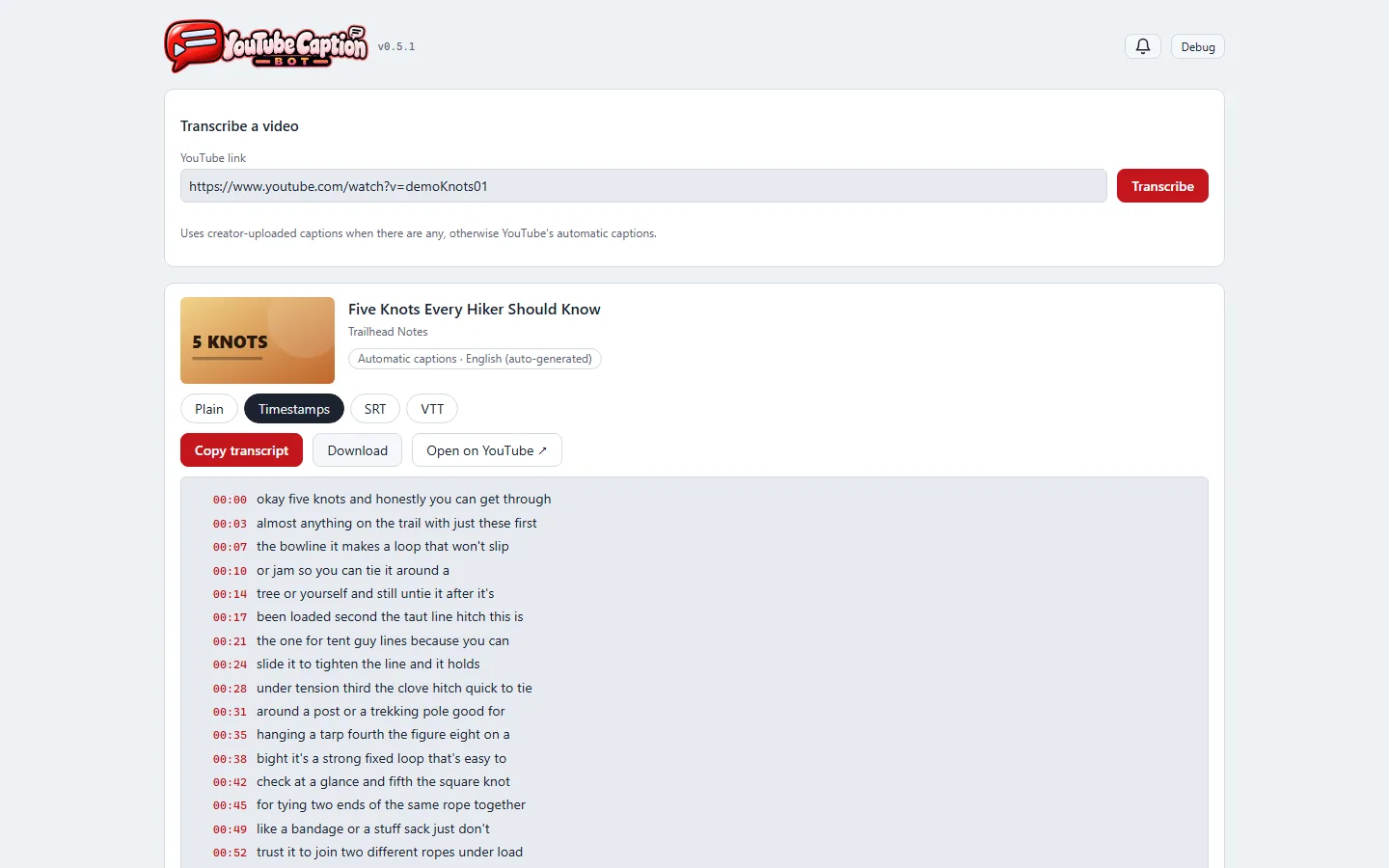
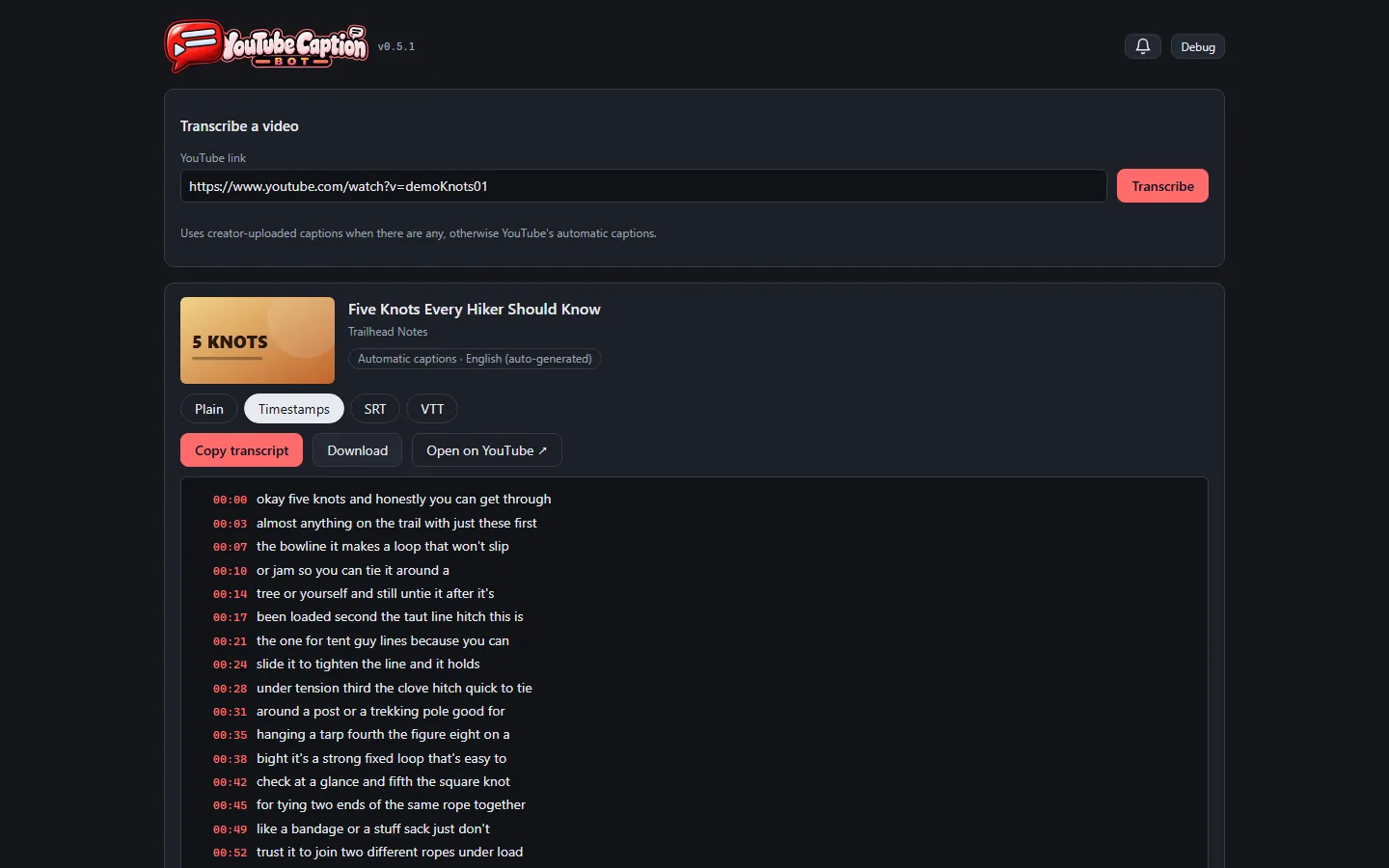
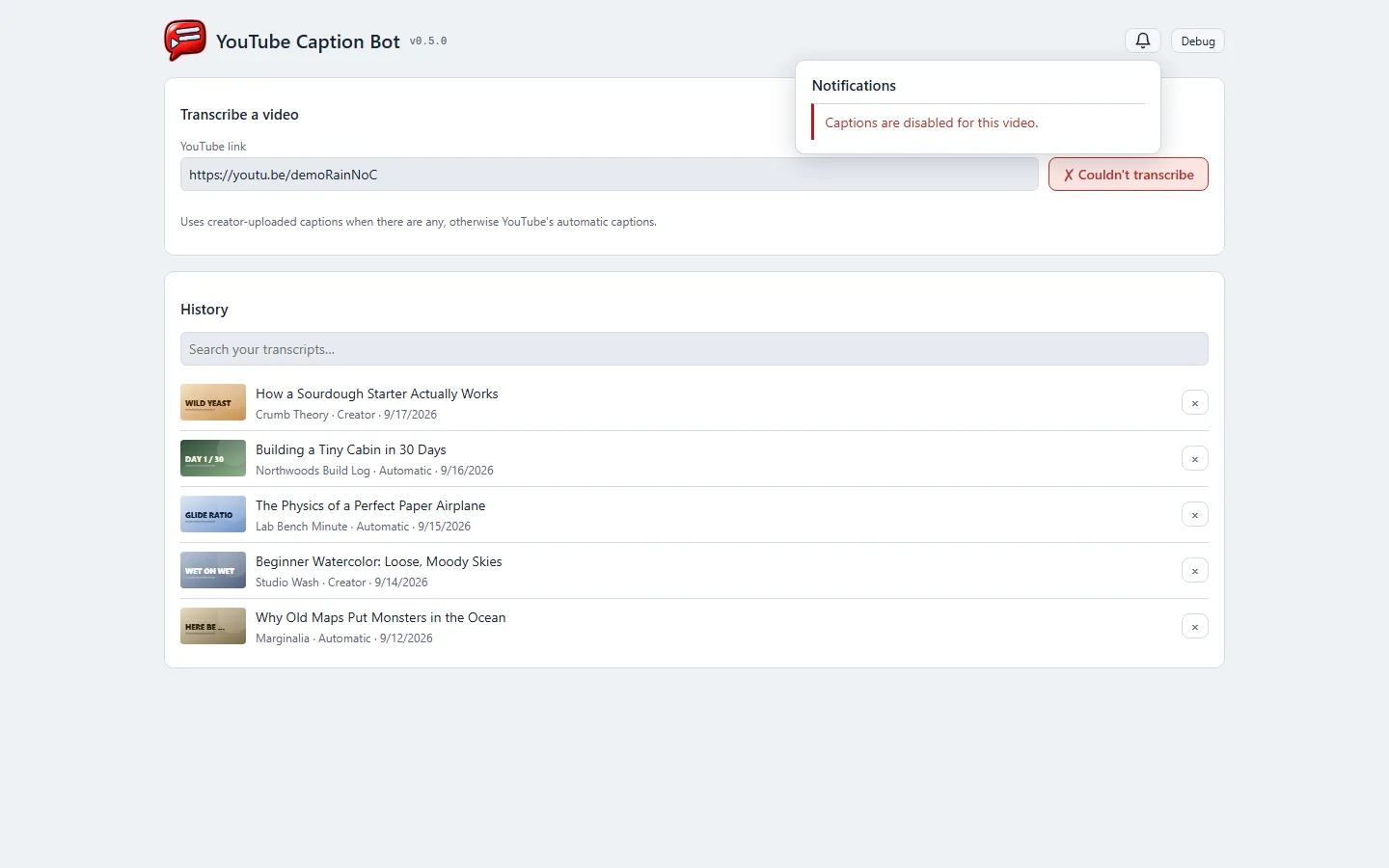
The app now wears the studio's shared look, the same one as the other internal tools, in its own video red. It follows the computer's light or dark setting instead of always being dark.
The header is the brand's banner — the speech-bubble mark joined to the app's own lettering — like every other studio tool, in place of a small icon beside plain text.
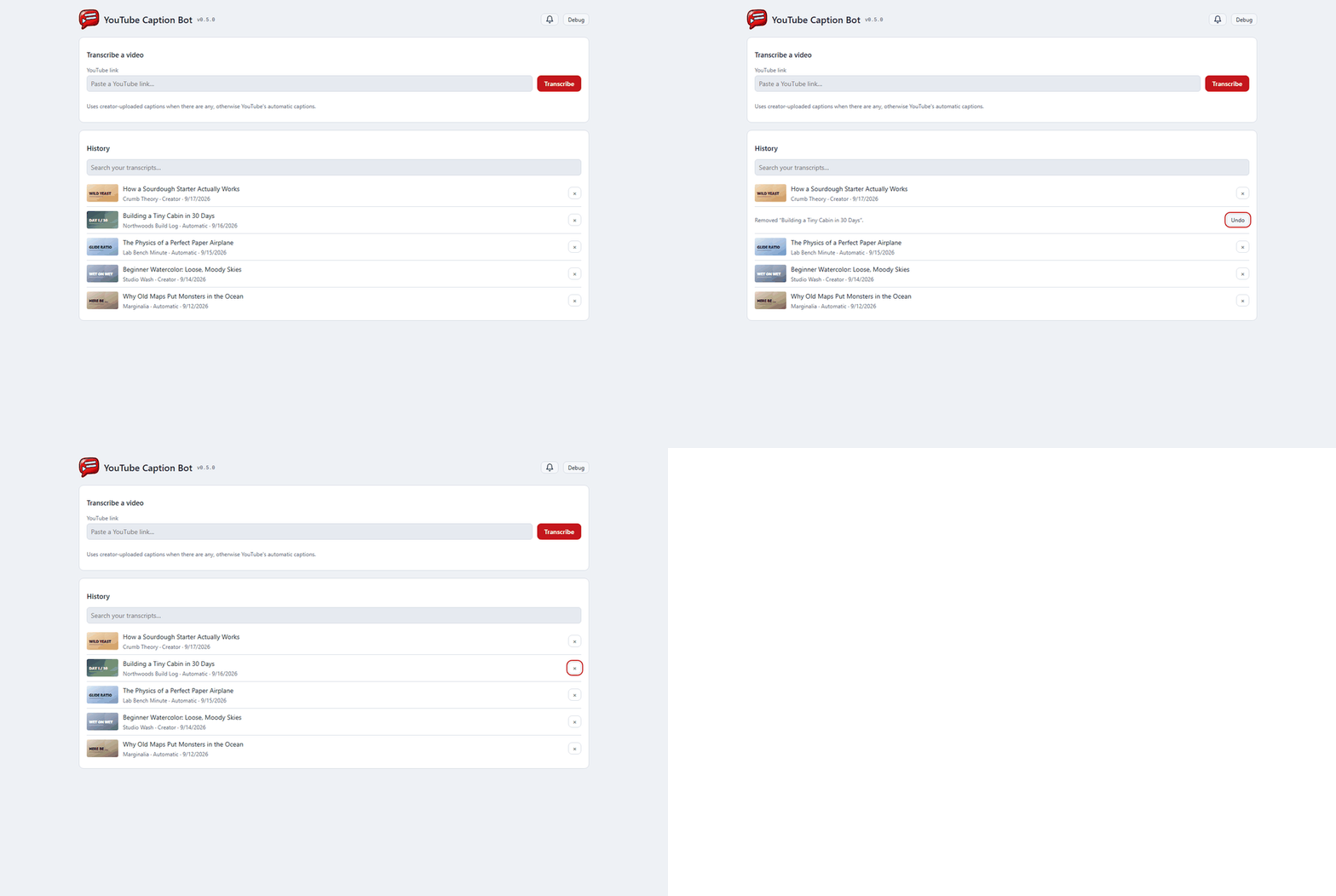
Removing a video from the history no longer loses it on one click. The row turns into "Removed … Undo" right where it was, nothing else on the page moves, and Undo puts it back.
Problems — a video with no captions, a link that can't be reached — wait behind a bell in the header with an unread count, instead of a red banner across the page. The button you pressed still says it didn't work.
Copying confirms on the button itself ("✓ Copied").
Every control works from the keyboard, history entries included, and every field has a label.
A version number sits beside the banner, and a Debug switch shows what each part of the page is.

 YouTube Caption Bot