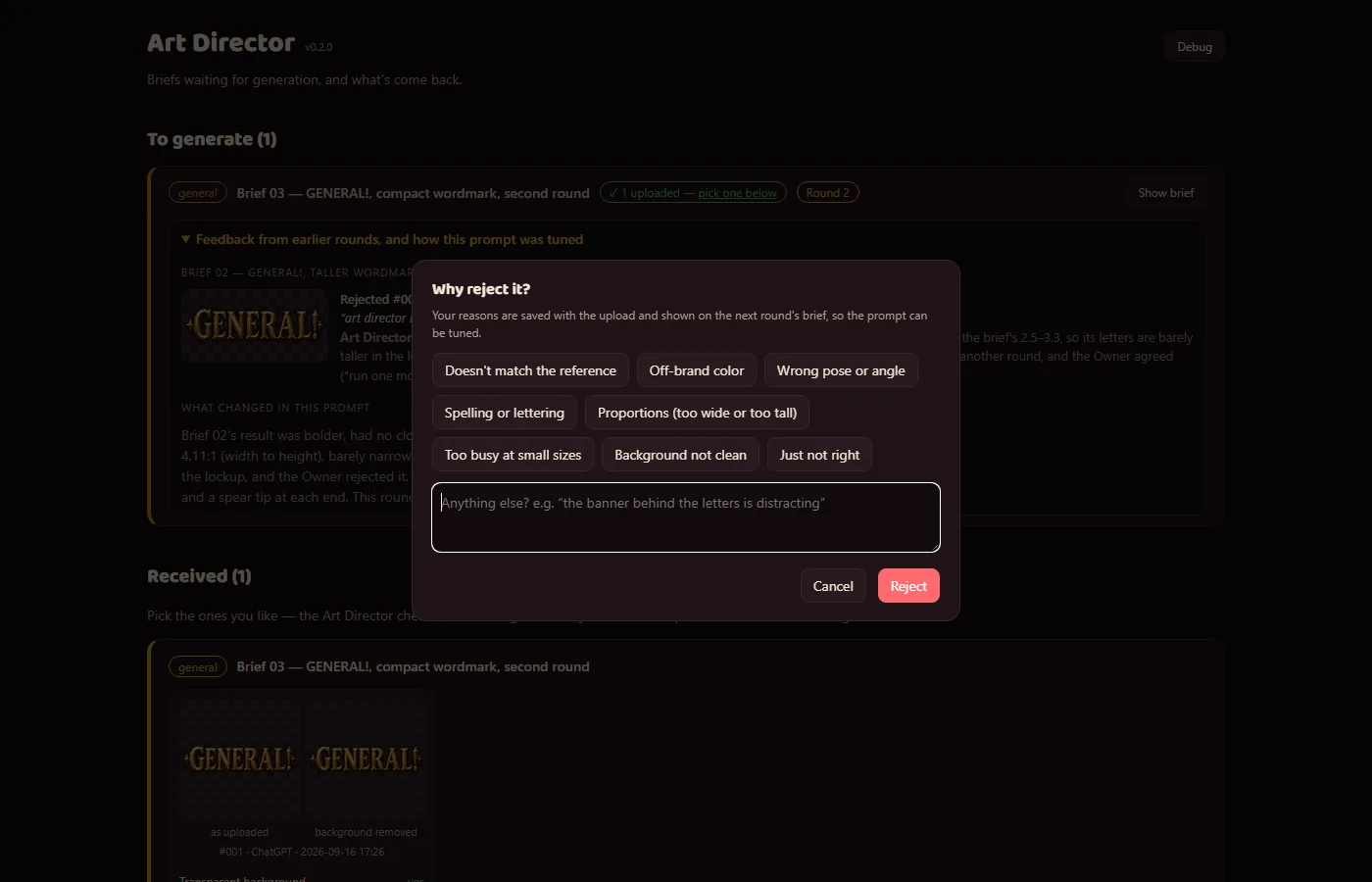
Rejecting a generated image now opens a proper dialog instead of a bare text box: quick-pick reasons (doesn't match the reference, off-brand color, wrong pose or angle, spelling or lettering, proportions, too busy at small sizes, background not clean, just not right) plus a free note.
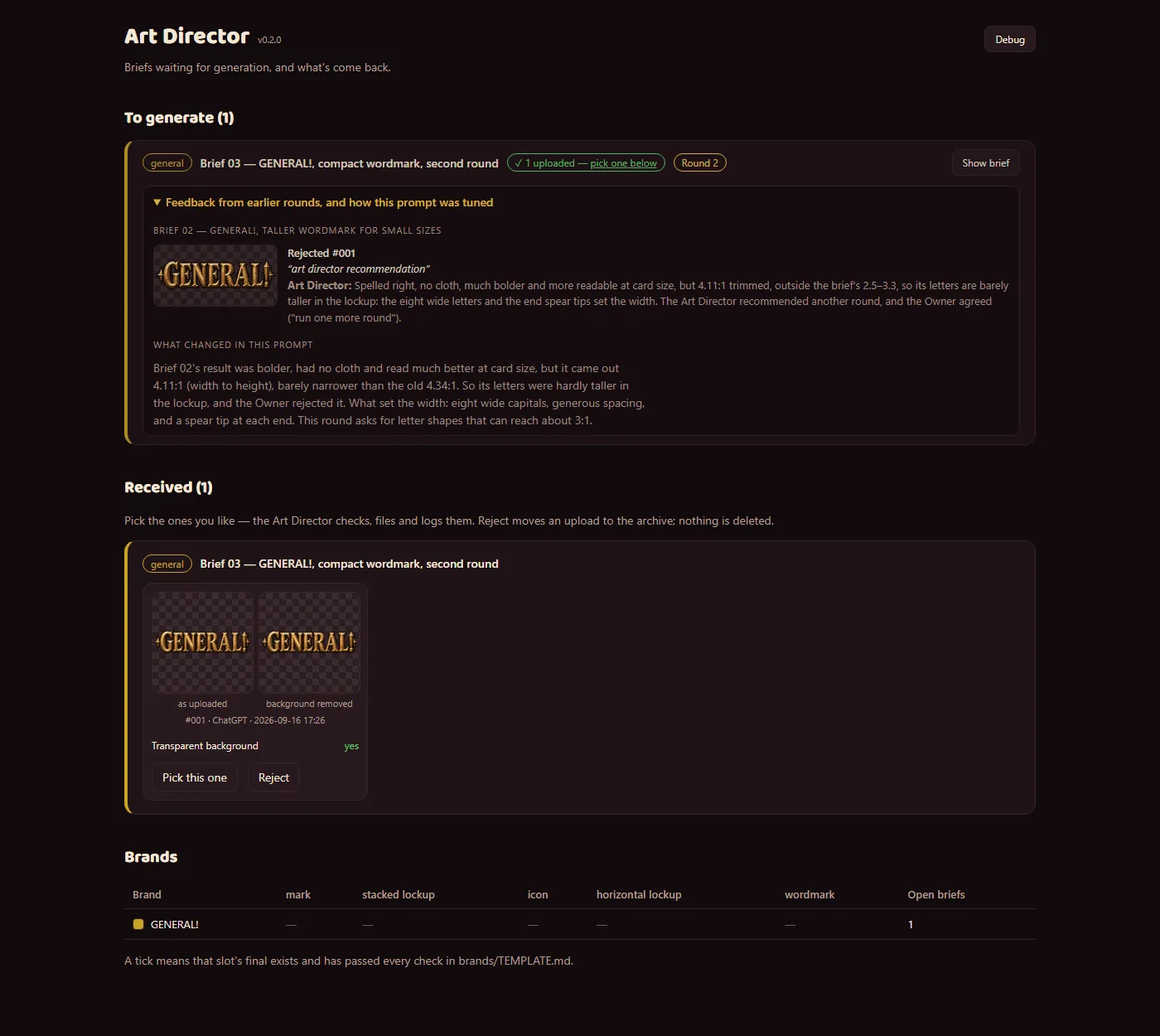
Those reasons are saved with the rejected image. When the Art Director replaces a brief with a tuned one, the new brief's card shows a Round 2 badge and a "Feedback from earlier rounds" panel: each rejected image with its reasons, the Art Director's own notes on why it missed — including results turned down in the image generator and never uploaded — and a "What changed in this prompt" note explaining how the prompt was adjusted.
So each round of image generation starts from what went wrong last time. The GENERAL! wordmark is the example shown: round 1 came out too wide, and round 2's prompt asks for tall, narrow letters and nothing past the ends of the word.
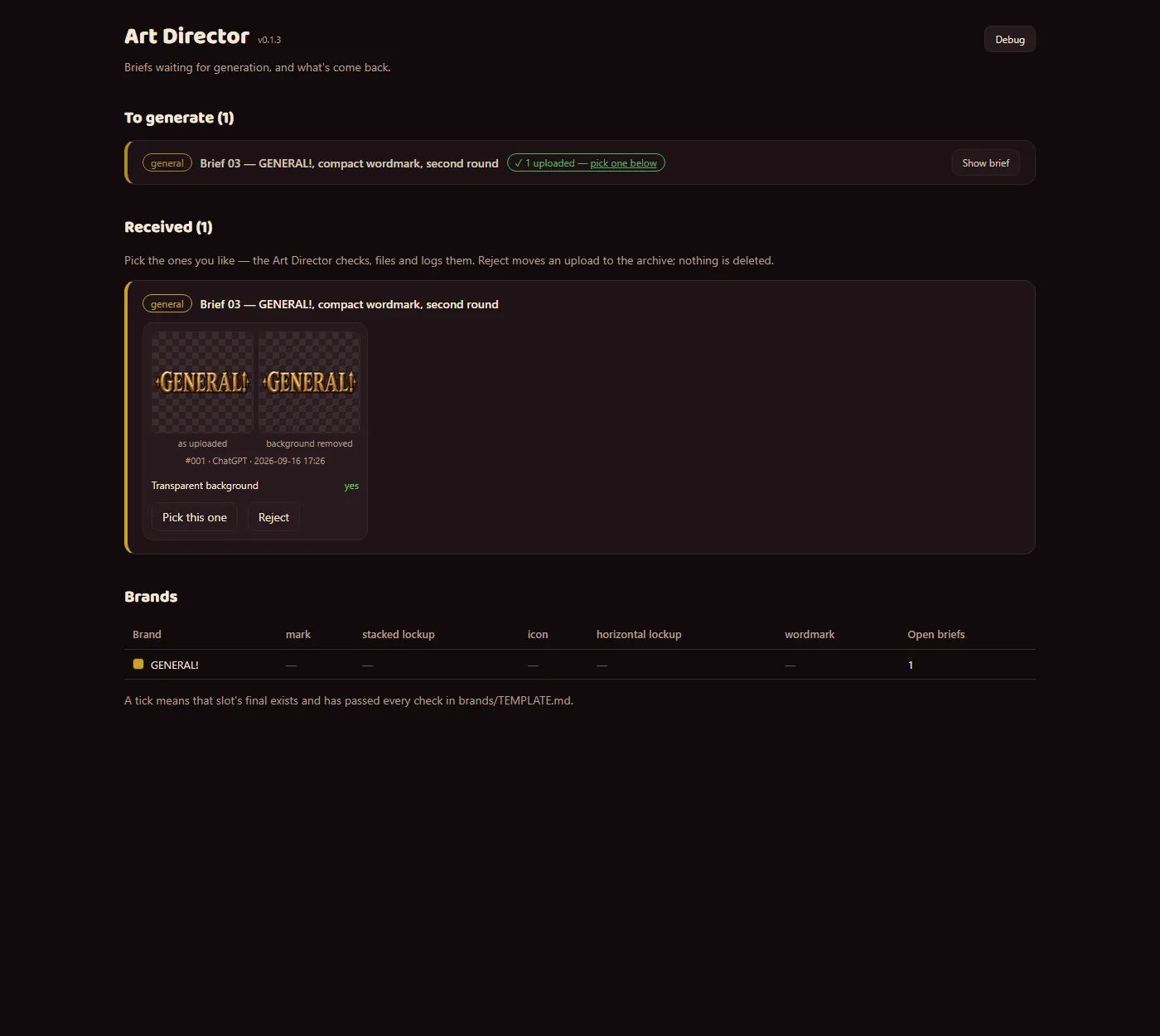
The screenshots use a copy of the app with that real GENERAL! round loaded. The before and after are the same view; the dialog shot shows the new reject step.

 Art Director